
Context: the send worked, the message didn’t arrive
You import a new list, send a WhatsApp template and the API accepts every message. Later, a share of them come back failed with one line: 131026, “Unable to deliver message.”
This is one of the most common WhatsApp Business Platform errors, and one of the least specific. Meta is telling you it could not get the message onto that person’s phone. It isn’t saying your template is wrong, your number is restricted or your account is in trouble. The problem sits with the recipient’s side of the connection.
That sounds simple. In practice teams lose time on it because the same code covers several different situations, the person on the other end rarely knows anything is wrong, and the failures mix in with codes that need a completely different response.
Most help pages on this (Wati, AiSensy, BIK, Salesforce, Twilio and others) paste Meta’s table and stop there. This post is the ops version: what the code covers, what it gets confused with, and what to do with the contacts behind it.
Problem: one vague code, several real causes
What Meta says
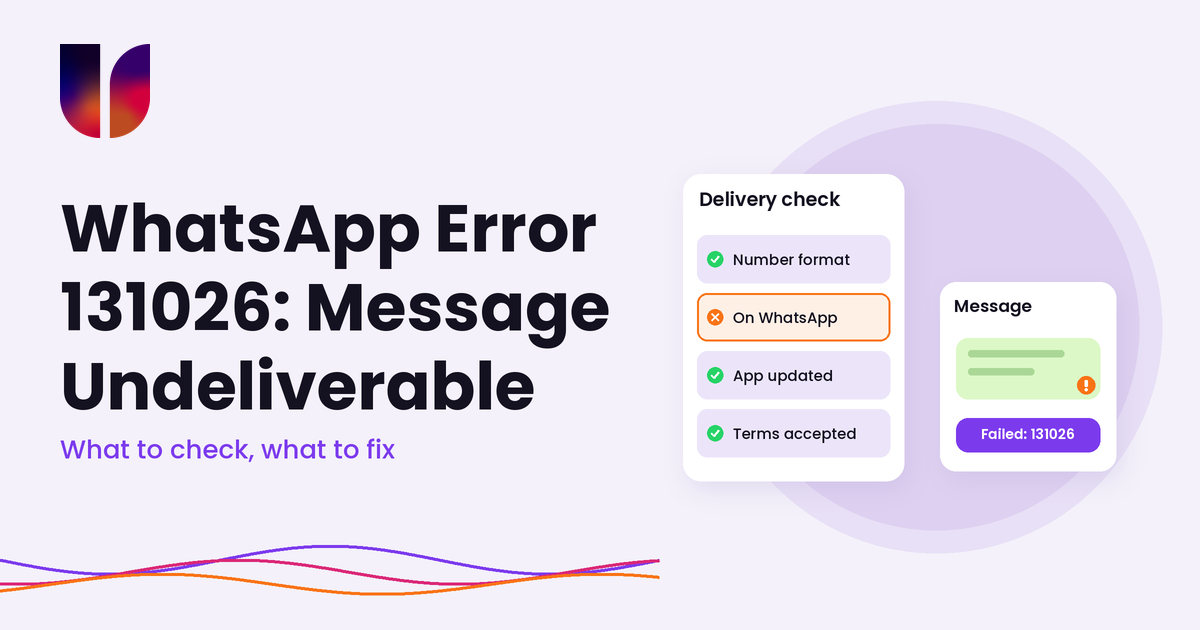
Meta’s error code reference lists three reasons for 131026:
- The number is not a WhatsApp number. It might be a landline, a typo, a number that never had WhatsApp, or one whose owner has since left the app.
- The person has not accepted WhatsApp’s new Terms of Service and Privacy Policy. When WhatsApp updates its terms, people who haven’t accepted them yet can’t receive your message.
- The person is on an old version of WhatsApp. Meta lists minimum versions per client (for example Android 2.21.15.15 and iOS 2.21.170.4). Anything older won’t receive Cloud API messages.
Meta’s suggested fix is to contact the person some other way and ask them to check they can message your business number, accept the latest terms (in Settings, under Help or Application information) and update the app.
What Meta doesn’t spell out
Two more causes come up often in BSP help pages, and they are worth knowing about even though Meta’s table does not list them by name.
The person has blocked your business. Wati’s help centre lists this as a cause of undeliverable template messages. WhatsApp does not tell a business that it has been blocked, so you won’t get a separate code that says so. If someone who used to read your messages suddenly fails every time, a block is a fair guess. Don’t confuse this with 130403, which means your business has blocked them using the Block Users API. That one you can fix yourself by unblocking.
The number is formatted badly. A number missing its country code, carrying an extra leading zero or stored with spaces and brackets can end up pointing at someone who isn’t on WhatsApp. Depending on where it breaks, you may get 131026, a parameter error such as 131009, or on Twilio a 63003 (“Channel could not find To address”). Twilio’s advice is to use E.164 format, with a plus sign and country code, and when replying to someone, to use the exact number they messaged you from.
The failure arrives late
As with most delivery problems, the send call usually succeeds and returns a message ID. The 131026 comes back later in a status webhook, with status set to failed and an errors entry carrying the code. If your system counts “accepted by the API” as “sent”, these failures stay hidden. We wrote about that gap in an accepted message doesn’t mean the system works.
On Twilio, which is how UnifiedSend connects to WhatsApp, the same failure shows up as error 63024, “Invalid message recipient”. Twilio describes it as Meta identifying the recipient as an invalid WhatsApp user or applying another restriction on the recipient’s side, and lists the same three causes as Meta.
It gets mixed up with other codes
A failed message can carry several codes that look alike on a report but need different handling:
- 131026: WhatsApp could not deliver to this person. Check the number and the person’s app. Don’t retry in a loop.
- 131049: Meta chose not to deliver a marketing template to keep the person’s inbox healthy. Wait at least 24 hours. We covered this in our error 131049 guide.
- 131047: more than 24 hours since the person last messaged you, so free-form text isn’t allowed. Send an approved template. See our 24-hour window guide.
- 131050: the person has stopped marketing messages from your business. Don’t retry.
- 130403: your business has blocked this person. Unblock them if that was a mistake.
- 131021: you tried to message your own business number. Usually a test gone wrong.
- 131000: unknown error. Meta says to try again, and to open a support ticket if it keeps happening.
If all of these land in one “failed” bucket, nobody can tell whether the list is bad, the timing is wrong or the content is the problem.
It costs less than you think, and more than you think
Meta’s pricing page says businesses are only charged when a message is delivered, not when it is sent. So an undelivered message is not a Meta charge. The real cost is elsewhere: wasted campaign capacity, reports that look worse than they are, and customers who never got the appointment reminder or delivery update you thought they did.
Insight: treat 131026 as a data problem first
You can’t update someone’s app or accept terms on their behalf. What you can control is the quality of your list, how you read failures and what you do with the people behind them.
1. Fix the number before you blame the person
Most 131026 failures on a fresh import are data, not people. Before a big send:
- Store every number in international format with the country code.
- Look for obvious junk: numbers that are too short, landlines, office switchboards, the same number on fifty rows.
- Watch for numbers saved in local format from forms where people typed whatever they liked.
If a whole batch from one source fails, the source is the problem. Check how that form or spreadsheet stored numbers before you look at anything else.
2. Separate one-off failures from repeat failures
A single 131026 doesn’t mean the number is dead. The person may have been due to accept new terms that week, or may update their app tomorrow. Salesforce’s help page notes that failures can jump right after WhatsApp updates its terms.
A number that fails across several sends over a few weeks is a different story. Move it out of your campaign groups. Keeping it there inflates your failed rate and hides real problems.
3. Don’t retry in a loop
Retrying a 131026 a few minutes later rarely helps, because nothing on the person’s side has changed. A sensible pattern is to retry once in a later send, then stop. Automated retry jobs that hammer the same failed numbers mostly add noise to your logs.
4. Reach out through another channel when it matters
For transactional messages, such as appointment confirmations, order updates or payment reminders, a failed WhatsApp message means a customer who doesn’t know something they need to know. If you have their email or can send an SMS, use it. A short note asking them to update WhatsApp or message your business number often fixes it for good.
5. Get people to message you first
The cleanest test that a number works is the person messaging you. A WhatsApp link or QR code on your website, receipts or booking confirmation does two jobs at once: it proves the number is live and it opens a 24-hour window for free-form replies. It also gives you a stronger opt-in record, which we covered in our opt-in and opt-out guide.
6. Read the failed rate per source, not just per campaign
If your welcome flow fails at 2% and a list collected at a trade show fails at 30%, you have learnt something useful about that list. Tag contacts by where they came from so you can tell.
What UnifiedSend does, and what it doesn’t
UnifiedSend connects to WhatsApp through Twilio and Meta Embedded Signup, so delivery decisions sit with Meta, and the error arrives through Twilio as 63024.
What sits with Meta and Twilio:
- Deciding whether a message can be delivered to a person
- The recipient’s app version, terms acceptance and whether they have blocked you
- Meta’s charges, which only apply to delivered messages
What sits with UnifiedSend:
- Contact import from CSV or spreadsheets, where local numbers are normalised using your workspace country
- Contacts added by hand in international format, and people who message you created as contacts automatically
- A campaign estimate based on the people who can actually receive the message, not the raw group count
- Live sent, delivered, read and failed percentages on the campaign tile while the send drains
- Tags and groups, so you can split contacts by source and move repeat failures out of campaign audiences
What sits with you: cleaning lists before import, deciding when a number has failed often enough to remove, and following up important messages through another channel.
We won’t claim more than that. UnifiedSend doesn’t validate whether a number is on WhatsApp before you send, and we don’t claim per-recipient error codes in the dashboard. If you need that level of detail in your own reporting, ask us before you build around it.
Outcome: a failed column you can act on
Error 131026 is WhatsApp telling you the message couldn’t reach that person. Usually the number isn’t on WhatsApp, the app is too old or the person hasn’t accepted new terms. Sometimes they’ve blocked you, and sometimes the number was never right in the first place.
The short version: store numbers in international format, check new sources before big sends, keep 131026 apart from 131049, 131047, 131050 and 130403, retry once rather than in a loop, and move repeat failures out of your campaign groups. For messages that really matter, have a second channel ready.
Do that and your failed rate starts telling you something useful about your lists. If you want campaigns, contacts and delivery numbers in one WhatsApp workspace, try UnifiedSend.
Leave a Reply