
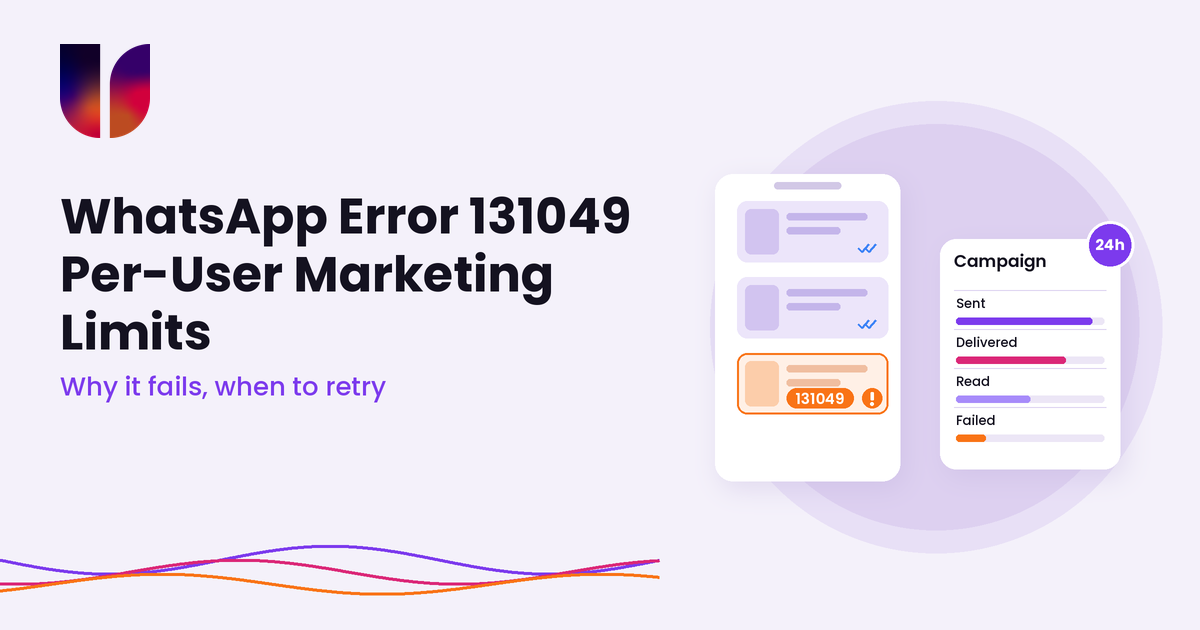
Context: the campaign went out, and a chunk of it did not land
You send a WhatsApp promo to 8,000 people. The API accepts every message. An hour later the report shows a slice of them as failed, and the logs are full of one line: 131049, “This message was not delivered to maintain healthy ecosystem engagement.”
Nothing is broken. That is Meta deciding that some of the people on your list have had enough marketing messages for now. Meta calls this the per-user marketing template limit, and older help pages call it frequency capping.
It catches teams out because it does not behave like the other limits they know. It is not your messaging tier, it is not a quality penalty on your number, and it is not the customer opting out. It is about the person on the other end, and it counts marketing from every business, not just yours.
Most BSP help pages (Twilio, Klaviyo, Vonage, HighLevel, Dotdigital and others) explain the error in a paragraph. Some still describe the rule as it worked before 2025. This post is the ops version: how the limit works today, what it gets confused with, and how to plan campaigns, retries and reporting around it.
Problem: a failure you can’t fix by sending again
How the limit works now
From Meta’s per-user limits page (last updated 17 June 2026):
- WhatsApp may limit how many marketing template messages a person receives from any business in a given period, when that person is less likely to engage with them.
- Meta bases this on several factors, including a dynamic view of the person’s recent marketing read rate and how many messages they currently have in their inbox from friends, family and businesses.
- The limit adapts over time as the person’s engagement changes.
- Every delivered marketing template counts. The one exception: if the person replies to a marketing message, a 24-hour customer service window opens, and marketing messages sent inside that window do not count towards the limit.
That last point is where older guides go wrong. Before Meta moved to per-message pricing, the limit only applied to templates that opened a new marketing conversation. Some help pages still say you get “one additional marketing message” in an open conversation. That is no longer how Meta describes it.
The failure arrives late
When you send a marketing template, the send call usually succeeds and you get a message ID back. The 131049 comes later, as a status webhook with status set to failed and an errors entry carrying code 131049. If your system treats “accepted by the API” as “sent”, these failures stay invisible. We wrote about that gap in an accepted message doesn’t mean the system works.
On Twilio, the same failure shows up as error 63049, “Meta chose not to deliver this WhatsApp marketing message”.
Retrying makes it worse
The natural reaction is to resend the failures. Meta says not to. Its guidance is to wait at least 24 hours before resending a marketing template to someone who has hit their limit. Resending earlier will likely produce more errors and make your delivery reporting less accurate.
There is also a penalty for keeping at it. If your account tries to resend marketing messages several times within 24 hours to people who have already reached their limit, further attempts to those people may be blocked for up to 24 hours, still with 131049. Other recipients are not affected, but an automatic “retry every 15 minutes” job is exactly the pattern this rule is aimed at.
It gets mixed up with other codes
A failed promo can carry several different codes. They mean very different things:
- 131049: per-user marketing limit, or repeated retries to someone who has hit it. Wait at least 24 hours.
- 130472: the person is in Meta’s marketing message experiment. Meta says a very small percentage of users get no marketing templates from any business unless a customer service window or a free entry point window is open. Resending gives the same error. Meta’s advice is to contact them some other way and ask them to message you.
- 131050: the person chose to stop marketing messages from your business. Do not retry. We covered this in our opt-in and opt-out guide.
- 131048: your phone number is restricted, often because too many previous messages were blocked or flagged as spam. This one is about your number’s quality, not the person.
- 131056: too many messages from your number to the same person in a short time. Wait and retry, or carry on with other recipients.
- 131026: the message could not be delivered at all, for example the number is not on WhatsApp or the app is too old.
If all of these land in one “failed” bucket, nobody can tell whether the list is tired, the number is in trouble or the data is bad.
US numbers do not get marketing templates at all
Meta’s page states that WhatsApp currently does not deliver marketing templates to WhatsApp users with US phone numbers (+1 with a US area code). Sends to them fail. Twilio lists this as one of the causes of its 63049 error. If your list has US contacts, that part of every marketing send fails, whatever you do with timing.
And it is not your messaging limit
Your messaging limit is a cap on how many unique people your business portfolio can reach with business-initiated messages in a rolling 24 hours. We covered that in our messaging limits guide. The per-user limit sits on the other side: it is about one person’s inbox. You can be well under your tier and still see 131049 on a big share of a send.
Insight: plan for it like weather, not like a bug
You cannot see anyone’s limit and you cannot turn it off. What you can control is who you send to, what you send, how you retry and how you report. A practical approach:
1. Split your failure reporting by code
Make 131049, 130472, 131050, 131048, 131056 and 131026 separate lines in your campaign reports. Each one leads to a different action: wait, change channel, suppress, fix quality, slow down, or clean the data. A single “failed: 14%” tells you nothing about which one you need.
2. Retry once, after a day, to a smaller group
For 131049 failures, take Meta at its word. Wait at least 24 hours, then try once. Twilio’s advice goes further: retry with progressively larger delays. A sensible default is one retry after 24 to 48 hours, then stop and let the person come back to you. Never put marketing templates on an automatic short retry loop.
Ask whether the retry is worth it at all. A flash sale that ends tonight is not worth resending tomorrow. A product launch might be.
3. Send to people who actually read
Meta bases the limit partly on how often each person reads marketing messages. Lists built on old imports and people who never open your messages are where 131049 clusters. Segment by recent engagement (replied, clicked, bought, read recently) and send the bigger promos to those groups first. It helps your quality rating too, because tired audiences are the ones who block and report.
4. Earn a reply
Marketing messages sent inside an open customer service window do not count towards the limit. So a promo that invites a reply (“Want the size guide? Tap below”) and a follow-up sent inside the window that opens is a different situation from five cold templates in a week. Give people a reason to answer, then follow up in the conversation instead of firing another template.
5. Keep marketing and utility honest
Twilio points out that a template Meta classifies as marketing is subject to this limit, even if you think of it as transactional. The fix is not to sneak promos into utility templates, which Meta checks. It is to make sure real order updates, booking reminders and account notices are written as utility templates so they are not caught by a limit that only applies to marketing.
6. Space your campaigns
The limit counts marketing from every business the person hears from, so you cannot know how full their inbox is. You can avoid stacking your own sends. Two promos to the same group on the same day is asking for 131049 on the second one. Build a simple calendar per audience segment.
7. Know what you are paying for
Meta’s pricing page says businesses are only charged when a message is delivered, and Meta’s experiments page states that 130472 sends are not billed. So 131049 failures should not add to your Meta bill. They still cost you reach and clutter your reports, and any per-message fees your BSP or platform charges are their own matter, so check your provider’s terms.
8. Keep an eye on the Marketing Messages API
On 13 October 2026, Meta announced that the Cloud API will stop supporting marketing messages on 13 October 2027, with marketing moving to its Marketing Messages API for WhatsApp. New messaging accounts created on or after 13 April 2027 will not be able to send marketing on the Cloud API at all. Service, utility and authentication messages stay on the Cloud API.
This matters for 131049 because Meta’s own comparison says that on the Cloud API, message quality does not factor into per-user marketing limits, while the Marketing Messages API takes engagement into account in delivery decisions. It also supports a time-to-live of 12 hours to 30 days on marketing messages, so a time-sensitive promo can expire instead of arriving late. Twilio’s 63049 page lists enabling the Marketing Messages API as one way to help reduce the error. Ask your BSP what their plan and timeline look like.
Where UnifiedSend fits
UnifiedSend does not decide who hits the limit, and nothing on our side can lift it. Here is how the pieces split.
What sits with Meta:
- The per-user marketing limit and how it is calculated
- The 131049, 130472 and 131050 decisions, and the 24-hour retry guidance
- The block on marketing templates to US numbers
- Template categories, pricing, and the move of marketing messages to the Marketing Messages API
What sits with your BSP:
- Carrying sends and status updates between Meta and your platform, and translating Meta’s codes into its own. UnifiedSend’s WhatsApp connection runs through Twilio, which reports this failure as 63049.
- Support for the Marketing Messages API and its timeline
What sits with UnifiedSend:
- Campaigns that send one approved template to a contact group, sent now or scheduled with a full date, time and timezone
- A prepaid estimate based on the people who can actually receive the message, not the raw group count
- Live sent, delivered, read and failed percentages on the campaign tile while the send drains
- Replies landing in Messages, with campaign details listing replies attributed to that send, so you can follow up inside the open window
- STOP handling: people who opt out, plus blocked and deleted contacts, never enter the campaign send queue
What sits with you: segmenting by engagement, spacing your campaigns, deciding whether a retry is worth it, and keeping utility and marketing templates honest. A live scheduled campaign cannot be rescheduled in UnifiedSend, so a retry is a new, smaller campaign to the right group, a day or more later.
We won’t claim more than that. If you need per-recipient error codes in your own reporting or have questions about the Marketing Messages API, ask us before you build around it.
Outcome: fewer wasted sends, cleaner reports, calmer retries
Error 131049 is not a ban and not a bug. It is Meta protecting people’s inboxes, and it will show up on any decent-sized marketing send.
The short version: every delivered marketing template counts towards a person’s limit, except those sent inside an open customer service window. When you see 131049, wait at least 24 hours before trying again, and don’t loop retries or you may be locked out of those people for another day. Keep 130472, 131050, 131048, 131056 and 131026 apart, because each needs a different response. Send big promos to people who read, give them a reason to reply, and keep a calendar so your own campaigns don’t pile up.
Work this way and the failed column stops being a mystery. If you want campaigns, delivery numbers and the replies they produce in one WhatsApp workspace, try UnifiedSend.
Leave a Reply