
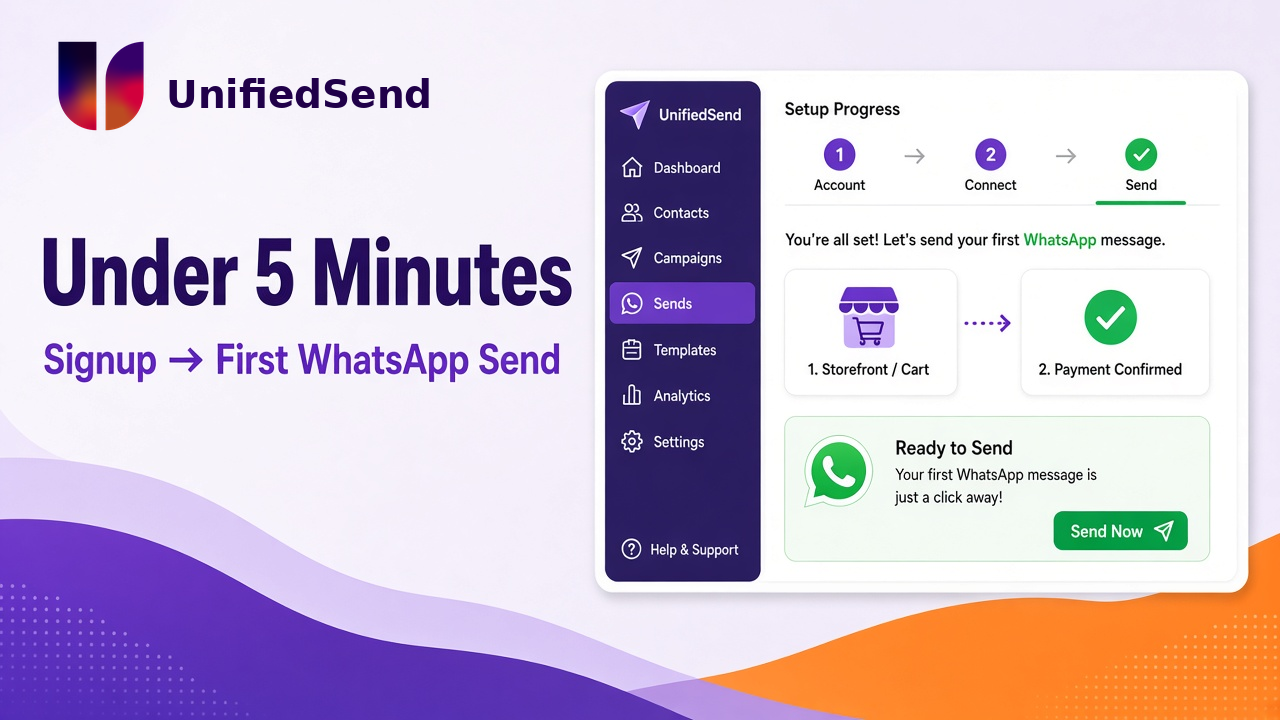
Under 5 Minutes to Your First WhatsApp Business Message
Most WhatsApp “onboarding” pages sell you a demo.
Create account. Book a call. Wait for verification. Hope the templates land. Somewhere in that queue, the first real message to a customer is still days away.
That is the wrong clock to watch.
There are two timers. One is how long it takes to get a usable workspace and send a first WhatsApp from a WhatsApp Business account. The other is how long Meta takes to fully verify a business, approve display names, and clear every template for every use case. Confusing those two is how teams either overpromise to themselves or sit idle waiting for a green light they do not need yet.
On UnifiedSend, the first timer is measured in minutes — typically under five — and you do not need a credit card to start. The second timer is Meta’s, and it can still take longer. Saying that out loud is part of treating messaging like infrastructure, not like a landing-page promise.
What “under 5 minutes” actually means
It means this path, end to end, without a sales call:
- Create your UnifiedSend workspace (no card required).
- 2. Connect a WhatsApp Business account through the guided Meta flow.
- 3. Land in a workspace that can send and receive.
- 4. Send your first WhatsApp — a test to yourself, a service reply, or a short follow-up to someone who already messaged you.
That is “account live on UnifiedSend and a first message out.” It is not the same claim as “every marketing template approved and every high-volume campaign unblocked.” Those still depend on Meta review, number health, and template quality — topics we have written about separately because they are operations constraints, not signup form fields.
If a vendor collapses both into one slogan, ask which clock they are selling.
Why industry onboarding still feels heavy
Public BSP comparisons and help centres tell a consistent story. Full WhatsApp Business Platform setup often stretches into hours or days once you include Meta Business Manager hygiene, number choices, display name review, and template approval. Some tools advertise a first campaign in under ten minutes after prerequisites are done. Others quote same-day or multi-day onboarding while they handle verification for you.
None of that is mysterious. WhatsApp Business API onboarding is an operational workflow: identity, number strategy, templates, and state. We covered that in our onboarding ops piece: https://blog.unifiedsend.com/whatsapp-business-api-onboarding-ops-problem/. The mistake is treating every step as something the product UI must slow down for.
Product signup should be short. Policy gates should be visible. Those are different jobs.
What slows teams down in practice:
- Business details that do not match the website or legal entity Meta will check later
- – Phone number decisions left until the last minute
- – Templates written like marketing copy before anyone has opted in
- – Waiting for full verification before sending a single session reply or utility test
You can finish the fast path and still have Meta work outstanding. That is normal. It is not a failed signup.
The path on UnifiedSend
UnifiedSend is built for WhatsApp Business messaging — campaigns, support, follow-ups — from one workspace, with South African roots and a bias toward getting operators live without theatre.
Create the workspace. Email, business basics, done. No credit card wall before you see the product. If you cannot open the tool without paying, you are evaluating a checkout page, not a messaging system.
Connect WhatsApp Business. Use the embedded Meta connection flow. Grant the permissions you need, pick or confirm the number, finish the OTP. You should leave that step with a connected account, not a ticket saying “our team will configure this next week.”
Send the first message. Reply in an open session, send a test to a number you control, or run a small utility send once a template is available. The goal is proof that the pipe works: request accepted, state visible, inbox usable. As we have said before, accepted is not the whole delivery story — but you cannot learn delivery states if you never leave signup.
Five minutes is the target when your Meta login works, your number is ready, and you are not inventing a new legal entity mid-flow. If Meta asks for documents or a display name review stalls, the product path is still finished; the platform path is not. Keep those labels separate in your internal launch notes.
Storefront and payments on the same clock
Messaging alone is not how many teams want to use WhatsApp. They want a storefront: products visible in chat, a cart, and a way to take payment without bouncing the customer to three other apps.
On UnifiedSend you can open a WhatsApp storefront and start accepting payments on the same under-five-minute mindset — connect, list what you sell, turn on payment collection, and take a real order path live. “Immediately” here means you are not waiting for a custom engineering project or a week of agency setup before the first Pay / Order flow is usable.
Be precise about what still sits outside the product timer:
- Catalog completeness and product data quality are your job
- – Payment provider or Meta commerce eligibility can add checks depending on market and method
- – High-risk categories and policy reviews are not skipped by a fast UI
Competitors in this space often route through Commerce Manager catalogs, regional payment rails, and multi-step gateway config. That stack can be powerful and still feel like a project. The design goal for UnifiedSend is the opposite shape: storefront and payments should feel like onboarding steps, not a second product launch.
If you can message but cannot take money in the conversation, you have built half a shop. If you can take money but onboarding took a fortnight, you have built a shop nobody opened in time for the campaign.
What “simplest onboarding in the industry” should mean
Empty “easiest platform” claims age badly. Concrete reasons travel better.
Simplest, for us, means:
- No card to try the product. You can judge the workspace before you buy airtime or a plan.
- – Guided Meta connect, not a shared spreadsheet of API keys. Operators should not need a side channel to finish WABA linking.
- – First send without a calendar invite. Support and sales should be able to prove the channel in one sitting.
- – Storefront and payments in the same product path. Selling on WhatsApp should not require a second onboarding team.
- – Honest status. The UI and docs should distinguish “live on UnifiedSend” from “fully verified for every WhatsApp Business API use case,” so nobody plans a Black Friday blast on a timer that Meta does not share.
That last point is why this post exists next to our older onboarding article. One post says onboarding is ops. This one says the product should still get out of the way.
What to prepare so five minutes stays five minutes
A short product path does not remove homework. It removes fake homework.
Have ready:
- A Meta login that can manage the business portfolio
- – The phone number you intend to use (and clarity on whether it already runs the WhatsApp Business app)
- – A website or public business presence that matches the name you will show customers
- – One person who owns replies in the first hour after you go live
- – A tiny product list if you are turning on storefront the same day — even five SKUs beat an empty catalog
Skip, for day one:
- Perfect template libraries for every future campaign
- – Full CRM sync before a single conversation exists
- – Waiting for every marketing template to clear before you answer a customer who already wrote in
Session replies and focused utility traffic teach you more about delivery and inbox load than another week of planning slides.
Soft CTA
If you have been delaying WhatsApp because onboarding stories sound like multi-week programmes, try the short path first.
Create a workspace on unifiedsend.com (https://unifiedsend.com/), connect your WhatsApp Business account, and send the first message. No credit card required to start. If you sell, open the storefront and take a payment on the same sitting. Then, and only then, schedule the Meta verification and template work that still belongs on the second clock.
Messaging looks simple until you try to do it properly. Getting to the first send should not be the hard part.
Leave a Reply