
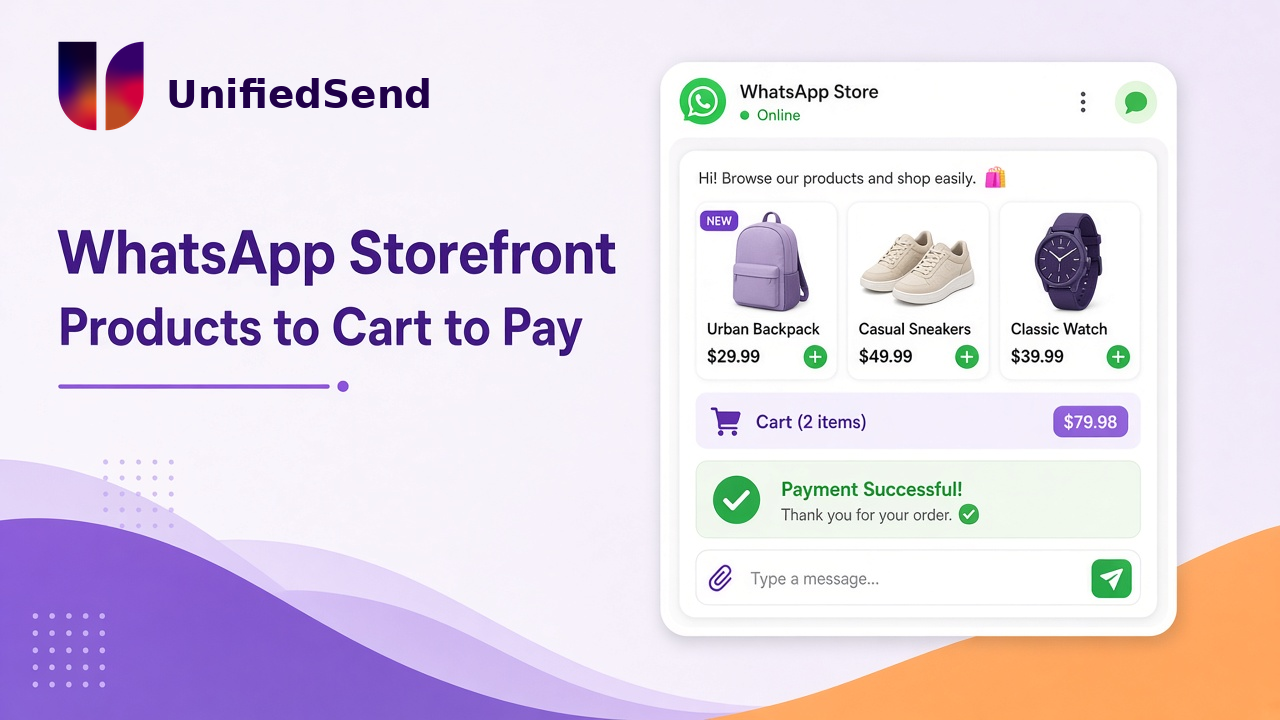
Open a WhatsApp Storefront and Start Accepting Payments with UnifiedSend
Context: your customers already shop in the chat
Most of the buying conversation is already happening on WhatsApp.
Someone asks if you have stock. Someone else wants a size, a colour, a delivery estimate. A regular customer drops a voice note at 21:40 and expects a reply before breakfast. Price questions land as screenshots. Orders arrive as “send me 2 of the blue ones.”
That is commerce. It just does not look like a checkout page yet.
The awkward bit is what happens after interest. Too many teams still close the deal with a PDF catalog, a bank reference, a payment link pasted from another app, or a “please EFT and send proof” loop. The chat did the hard work of trust. Then the money step leaves the thread.
We have written about getting a WhatsApp Business account live in under five minutes, and about why UnifiedSend works as a WhatsApp Business platform. This post is the selling side of that story: storefront, cart, order path, and payments. Not signup theatre. Not a feature grid. How you take money in the same place people already ask to buy.
Problem: messaging without a shop is half the job
If you can reply but you cannot show products cleanly, you are running a support inbox with sales pressure glued on.
If you can show products but payment lives somewhere else, you are training customers to abandon the conversation at the exact moment they were ready to pay.
That gap shows up in familiar ops pain:
- Staff retyping product names and prices into every chat
- Stock answers that depend on whoever last checked the shelf
- “I’ll send a link” that opens a browser the customer did not want
- Proof-of-payment screenshots that do not match any order record
- Campaigns that create demand, then dump the close into manual follow-up
A lot of WhatsApp Business tooling is strong at broadcasts or shared inboxes, then treats catalog, cart, and payment as a second project. Public competitor write-ups in this space often walk through Commerce Manager catalogs, regional payment rails, gateway linking in Meta, and multi-step “Pay now” setup. That stack can work. It can also feel like launching a second product after you already launched messaging.
So teams stall in a strange place. The number is connected. The inbox is busy. Sales still happen like 2019: copy, paste, chase, reconcile.
Messaging alone is half a shop. The other half is letting someone browse, order, and pay without you inventing a new process for every thread.
Insight: treat storefront and payments as the same product path
On UnifiedSend, storefront and payments are meant to sit on the same clock as messaging, not on a side project timeline.
The practical shape looks like this:
- Connect WhatsApp Business in the workspace.
- Open the storefront and list what you sell (start small if you need to).
- Turn on payment collection for a real order path.
- Take a first paid order through the conversation, not through a parallel checkout project.
“Under five minutes” here is the same mindset we use for first send: the product should get out of the way so an operator can prove the path in one sitting. “Payments immediately” means you are not waiting for custom engineering or a week of agency setup before Pay / Order is usable.
Be precise about what that claim does and does not cover.
What the product path is aiming for
- Products visible in chat, not buried in a PDF
- A cart / order flow customers can complete in the conversation
- Payment collection wired into that path so money and the chat stay together
- Campaigns, support, and selling in one workspace when a browse turns into a question, then a buy
What still sits outside the product timer
- Catalog completeness and product data quality are your job. Empty shelves sell nothing, even with a perfect UI.
- Payment provider checks, and Meta commerce eligibility, can still add steps depending on market and method.
- High-risk categories and policy reviews are not skipped because the setup felt quick.
- Template approval, display-name review, and full business verification still sit on Meta’s clock when you need those for broader messaging use cases.
Competitors often make commerce feel powerful and heavy at the same time. UnifiedSend’s design goal is the opposite shape: storefront and payments should feel like onboarding steps for selling, not a second launch programme.
If you can message but cannot take money in the conversation, you have built half a shop. If you can take money but the commerce setup took a fortnight, you have built a shop nobody opened in time for the campaign that needed it.
What a WhatsApp storefront actually needs to do
Strip the brochure language. A usable storefront on WhatsApp has to do a short list of concrete jobs:
- Show products with names, prices, and images customers can trust
- Let someone pick items (and quantities) without leaving the chat
- Hand you a clear order, not a vague “the blue one from yesterday”
- Give you a payment step that matches that order
- Keep support in the same thread when delivery, size, or stock questions appear
WhatsApp’s own commerce building blocks (catalog, cart, product messages, order webhooks) are the underlying rails. Tools wrap those rails differently. Some lean into heavy gateway config and regional payment products. Some stop at “send a payment link.” The operator question is simpler: can my team sell today without inventing a side process?
That is the bar this post cares about.
A day-one storefront that does not pretend to be a full e-commerce replatform
You do not need a perfect catalog to start accepting payments on WhatsApp.
You need a honest starter set:
- Five to twenty SKUs you actually sell this week
- Prices that match what your team already quotes in chat
- Clear stock notes for anything that runs out fast
- One person who owns order replies in the first hour after you go live
- A test buy on a number you control, so you see the order and payment path before customers do
Skip, for day one:
- Rebuilding your entire website catalog before the first paid chat order
- Waiting for every marketing template to clear before you answer someone who already asked to buy
- Full CRM sync before you have proved that money can move in-thread
- Promising “in-chat checkout everywhere, always” when your market or payment method still needs provider or Meta eligibility checks
Start with the path that closes money. Widen the catalog once the pipe is real.
Outcome: sell in the thread, then grow the shop you already opened
When storefront and payments are live on UnifiedSend, the daily shape changes.
A campaign can point people at products instead of a vague “DM us.” A support reply can turn into an order without switching tools. A regular customer can reorder without you retyping the same three lines. Payment status sits next to the conversation that created the sale, which is where ops usually wants it.
That is the outcome worth measuring: not “we have WhatsApp,” but “we can take a paid order in WhatsApp without a workaround.”
Soft next step
If your team already chats to sell, stop treating the money step as a separate product.
Create a workspace on unifiedsend.com, connect WhatsApp Business, open the storefront, list a small catalog, and turn on payment collection. Aim to prove one real order path in the same sitting. No credit card is required to start on UnifiedSend.
Then be honest with yourself about the second clock. Finish any payment-provider setup your market needs. Complete Meta commerce eligibility checks if they apply. Clean product data. Put a human on replies. Selling on WhatsApp looks simple until you try to do it properly. Opening the shop should not be the part that takes a fortnight.
Leave a Reply